
Reverse proxy a site
A reverse proxy sits between the client and the origin: clients hit your domain, Fast-Https forwards the request to a local service and returns the response, so the origin address stays private.
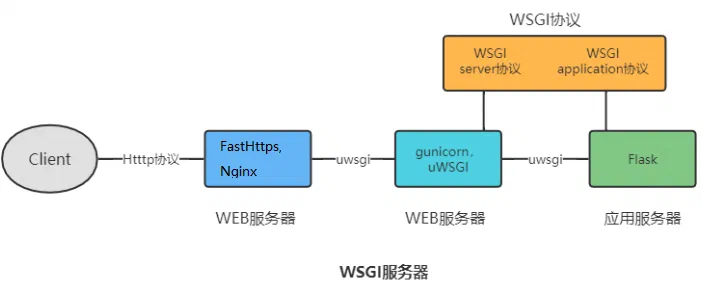
Configure the proxy on Windows
1 Start the upstream service
Start the service you want to expose locally (for example http://127.0.0.1:3000) and confirm it answers on this machine.
2 Edit the configuration
Edit the configuration file in the Fast-Https config folder, set the location type to proxy and point root at the upstream:
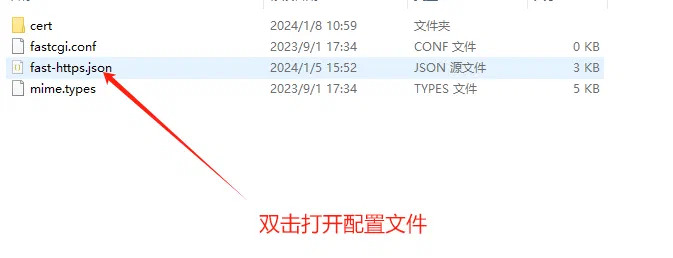
{
  "listen": 8080,
  "server_name": "localhost",
  "location": [
    { "url": "/", "type": "proxy", "root": "http://127.0.0.1:3000" }
  ]
}
Save, restart Fast-Https, then open the domain — the local service is now served.
What the options mean
| Option | Description |
|---|---|
| Upstream | http://host:port of the local service |
| Path prefix | Optional, proxies only a path such as /api |
| Timeout | Threshold for dropping an unresponsive upstream |
For long-lived connections (chat, push), read Reverse proxy a WebSocket service.